
Predictive Analytics Cloud

Cloud

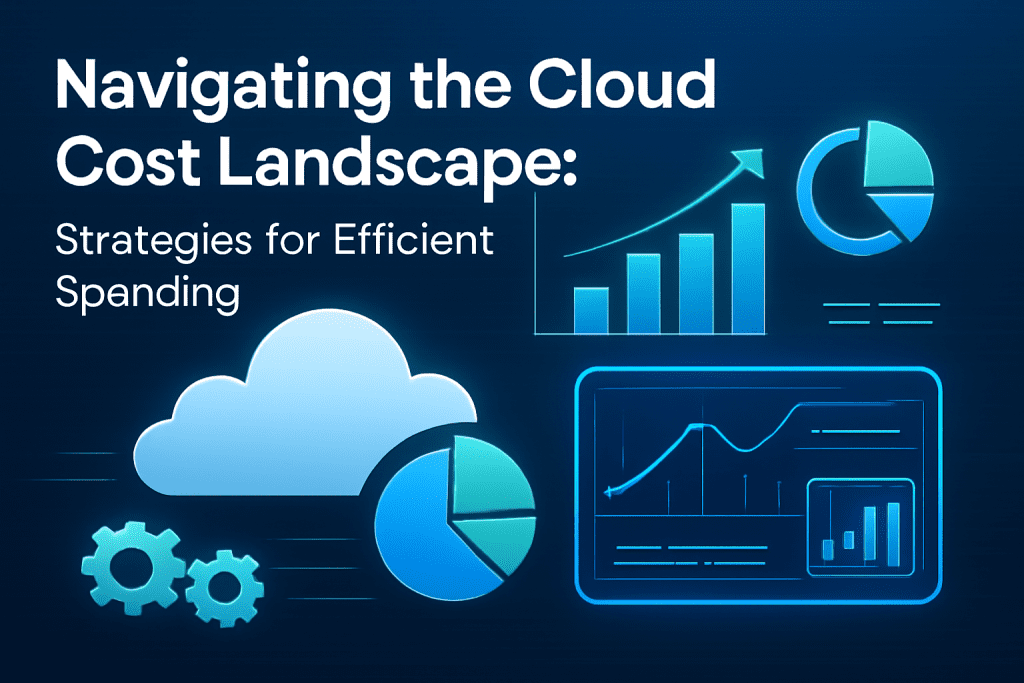
Navigating the Cloud Cost Landscape: Strategies for Efficient Spending

Introduction Cloud computing has become indispensable for businesses seeking scalability, agility, and innovation. However, while the cloud offers immense benefits, managing its costs effectively remains a significant challenge. Without a clear strategy, cloud expenses can quickly spiral out of control, leading to wasted resources and budget overruns. This blog explores the cloud cost landscape, common pitfalls, and practical strategies for businesses to optimize cloud spending without compromising performance or security. Leveraging smart management techniques and emerging AI-driven tools, organizations can make their cloud investments more efficient and aligned with business goals. Understanding the Cloud Cost Landscape Cloud costs vary widely depending on service models (IaaS, PaaS, SaaS), providers (AWS, Azure, Google Cloud), workloads, and usage patterns. Key areas influencing costs include: Compute Resources: Virtual machines, containers, serverless functions Storage: Block storage, object storage, backup solutions Data Transfer: Network egress and ingress charges Managed Services: Databases, AI/ML services, analytics platforms Support and Licensing: Premium support, third-party licenses Many organizations experience “cloud sprawl,” where unused or underutilized resources add unnecessary costs. Strategies for Efficient Cloud Spending 1. Adopt Cloud Cost Visibility and Monitoring Tools Real-time cost monitoring platforms and dashboards provide transparency across teams and projects. Tools like AWS Cost Explorer, Azure Cost Management, or third-party solutions enable cost attribution and anomaly detection. 2. Rightsize Resources Match service levels to actual workload demands. Continuously analyze compute and storage usage to downsize oversized instances or consolidate underused resources. 3. Leverage Reserved and Spot Instances For predictable workloads, reserved instances offer significant discounts over on-demand pricing. Spot instances provide cheaper compute capacity for flexible, fault-tolerant tasks. 4. Automate Resource Scheduling Use automation to shut down non-production resources during off-hours, reducing idle time charges. 5. Optimize Storage Costs Implement lifecycle policies to transition data to cheaper tiers (e.g., archive storage). Delete unused snapshots and backups. 6. Implement Governance and Budget Controls Define cloud spending budgets, policies, and approval workflows to prevent uncontrolled provisioning. Utilize tagging for cost allocation and accountability. 7. Utilize Multi-Cloud or Hybrid Strategies Wisely Choosing cost-effective services across providers can optimize spending but requires careful management to avoid complexity overhead. 8. Incorporate AI and Predictive Analytics Leverage AI-powered cloud management tools for forecasting, anomaly detection, and automated optimization (see AI-driven solutions). Benefits of Efficient Cloud Cost Management Significant cost savings and better budget predictability Improved operational efficiency and resource utilization Greater agility to innovate without financial constraints Enhanced security and compliance through structured resource governance Conclusion Navigating the complex cloud cost landscape requires proactive management, cross-functional collaboration, and smart technology adoption. Businesses embracing cost transparency, automation, and AI-driven insights are better positioned to maximize the value of their cloud investments while controlling expenses. For organizations seeking tailored cloud cost strategies, AI-driven optimization, and ongoing consultation, TechOTD AI Services offers expert guidance. Stay ahead with the latest tech insights on the TechOTD Blog.
aws

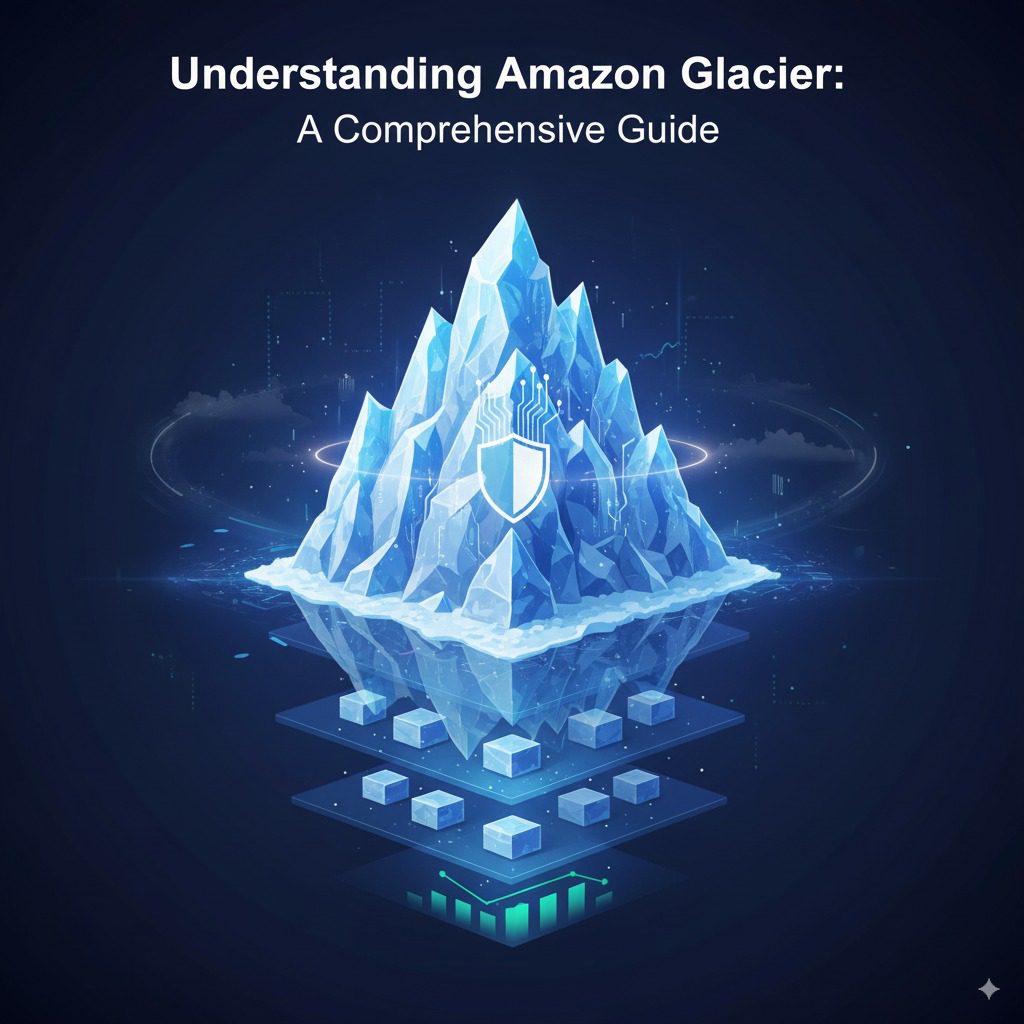
Understanding Amazon Glacier: A Comprehensive Guide

Introduction In today’s data-driven world, businesses and organizations generate vast volumes of data that must be stored securely and cost-effectively. For data that is rarely accessed but must be preserved—such as backups, archives, and compliance records—cloud providers offer specialized storage solutions optimized for long-term retention at low cost. Amazon Glacier, now part of Amazon S3 Glacier, is a premier service designed for this purpose. This comprehensive blog guides readers through the fundamentals of Amazon Glacier, its features, use cases, costs, retrieval options, security, and integration in modern cloud ecosystems. It provides practical insights for enterprises seeking efficient archival strategies while referencing advanced AI, blockchain, and predictive analytics solutions from TechOTD AI Services and TechOTD Blog. What Is Amazon Glacier? Amazon Glacier is a cloud-based, long-term storage service provided by Amazon Web Services (AWS), optimized for cold data—data that is infrequently accessed but must be retained reliably for months or years. It provides ultra-low cost storage, high durability, and robust security, making it ideal for archiving, backups, and compliance. Amazon Glacier is distinct from standard Amazon S3 storage, as it is tailored to lower costs in exchange for longer retrieval times. It uses storage containers called vaults to organize data archives, each archive representing files or datasets stored securely in the cloud. Key Features of Amazon Glacier 1. Cost Efficiency for Long-Term Storage Amazon Glacier offers some of the lowest storage prices in the cloud industry, with costs as low as $0.004 per GB per month, enabling enterprises to archive large datasets affordably compared to on-premises or high-performance cloud storage. 2. High Durability and Availability Provides 99.999999999% durability (11 nines), ensuring data safety. Data is redundantly stored across multiple geographically diverse AWS Availability Zones. Ensures 99.9% availability for accessing archives when needed. 3. Flexible Retrieval Options Understanding that archival data is rarely needed instantly, Amazon Glacier offers tiered retrieval speeds to balance cost and urgency: Expedited Retrieval: Data available in 1–5 minutes (higher cost). Standard Retrieval: Data available in 3–5 hours (moderate cost). Bulk Retrieval: Data available within 5–12 hours (lowest cost). 4. Security and Compliance Data is encrypted in transit and at rest using AES-256 encryption. Offers configurable access policies and integrates with AWS Identity and Access Management (IAM). Supports compliance with standards like GDPR, HIPAA, and others. 5. Unlimited Storage Capacity and Scalability Users can store unlimited archives in multiple vaults per AWS account. Seamlessly scales to meet growing data retention needs. 6. Integration with AWS Ecosystem Works in concert with Amazon S3 lifecycle policies, automating data migration from standard S3 storage to Glacier based on rules. Integration with AWS Storage Gateway, DataSync, and AWS Backup enhances data management workflows. Compatible with AWS monitoring tools like CloudWatch and CloudTrail for governance. How Amazon Glacier Stores and Organizes Data Archives: Individual files or datasets stored. Vaults: Containers that hold archives, analogous to folders. Vaults enable management of access control, notifications, and data lifecycle policies. Each archive is assigned a globally unique ID and can be retrieved or deleted as needed. Use Cases of Amazon Glacier Data Archival for Compliance Organizations in finance, healthcare, and government store regulatory data needing long-term retention securely and cost-effectively. Backup and Disaster Recovery Glacier serves as an affordable, durable backup target for on-premises systems and AWS workloads, ensuring business continuity. Media Archiving Media companies archive raw footage, completed projects, and historical digital assets without incurring high storage costs. Scientific and Research Data Storage Large datasets from experiments or observations are retained for future analysis while managing storage budgets. Cost Considerations and Pricing Storage fees are minimal relative to other AWS storage classes. Retrieval fees vary depending on speed and amount of data. Additional charges apply for data transfer and requests. Lifecycle transition policies help optimize cost by automating data movement. Getting Started with Amazon Glacier Configure vaults through AWS Management Console or AWS CLI. Upload archives programmatically via AWS SDKs or APIs. Define retrieval policies tailored to access frequency. Monitor usage and retrieval metrics with AWS monitoring services. Enhancing Archival Strategies with AI and Analytics Integrating AI and predictive analytics can optimize data lifecycle management in the cloud by forecasting access patterns and automating tiering policies, minimizing cost and maximizing efficiency. Learn about AI-enabled storage management and analytics at TechOTD AI Services and TechOTD Predictive Analytics. Conclusion Amazon Glacier offers a robust, secure, and ultra-cost-effective solution for long-term cloud data archiving and backup. Its guaranteed durability, integrated security controls, flexible retrieval options, and deep integration with the AWS ecosystem make it ideal for enterprises managing growing volumes of cold data. With the addition of AI and analytics-informed data strategies, organizations can further optimize storage costs and compliance with evolving business requirements

Scroll to Top